Private Adobe Photoshop Lessons
Photoshop Lessons in Bali: Photo Editing to Print-Ready Design
Edupola's Photoshop lessons in Bali are one to one, at a place you choose or over Zoom. Topics include layers, masking, portrait retouching, product photos, and posters. Fees start from IDR 197,300 per 60-minute session, and 90 or 120 minutes are available. Once your schedule is agreed, our team finds a tutor within 1 to 5 working days.
Right Fit or Not Yet
Are These Lessons the Right Fit for You?
Private Photoshop lessons pay off most when there is real work you want to finish. Use this table to weigh things up before you register.
| These lessons suit you if | Think it over first if |
|---|---|
| You have never opened Photoshop and want to start from the Layers panel in a clear order. | You only need one photo edited once. A freelance editor costs less for a job that small. |
| You are a photographer who wants to clean up portraits and wedding photos without making skin look like plastic. | You want to process hundreds of RAW files in one go. That workflow leans on Lightroom more than Photoshop. |
| You run an online store in Bali and want to tidy up your own product photos. | What you need is a logo or icon that stays sharp at every size. That job belongs in Adobe Illustrator. |
| You study visual communication design (DKV) at university or attend a vocational high school (SMK), and your assignments call for compositing and posters. | You do not have a laptop that can run Photoshop yet and have no plans to get one. |
| You make social media content and want to move past ready-made templates. | You expect to become skilled without practicing between sessions. |
Still unsure? Send a sample of your work during the consultation, and the admin will help you judge whether private Photoshop lessons are the right next step.
How the Work Is Done
Non-Destructive Habits Trained from the First Session
Beginners usually edit straight on the photo layer. They erase the background with the Eraser, darken the sky with the Burn tool, then save over the original file. When a client asks for the background back or wants warmer colors, the work starts again from scratch, because the original pixels are gone.
In Edupola's Photoshop lessons in Bali, the tutor builds a non-destructive workflow from day one. Backgrounds are hidden with a layer mask, so they can be brought back at any time. Brightness and color are set through adjustment layers such as Curves and Hue/Saturation, which can be switched off or changed later. Photos that will be scaled down or filtered are first converted to Smart Objects, so the original resolution is kept and the filters stay editable.
This habit feels slow in the first week, yet it saves time the moment revisions arrive. A PSD file with clearly named layers is also easier to hand over to a print shop, a colleague, or a business owner in Bali who wants to swap next month's promotional text without rebuilding the design.
Focus Tracks
Lesson Focus Matched to Your Work
Photoshop lessons in Bali can be steered toward the area you need most. Take one focus on its own or combine several.
-
Portrait and Wedding Retouching
For prewedding and wedding photographers in Bali: cleaning up blemishes, evening out skin tone, dodge and burn, and matching color across an album so morning and evening shots read as one set.
-
Product Photos for Online Stores
Cutting products out of their backgrounds, building a clean white background, taming reflections on glossy packaging, and sizing images to the rules of the marketplace you sell on.
-
Posters and Social Media Content
Laying out event posters, café menus, promotional banners, and Instagram carousels with a grid, type, and colors that stay consistent with your business identity.
-
Compositing and Digital Art
Combining several photos into one scene, creating double exposures, and painting digitally with brushes. This focus suits illustrators and DKV students.
-
Print-Ready Files
Setting resolution, CMYK color mode, and bleed margins so brochures, banners, and business cards are not cut off and their colors do not shift far once printed.
-
Mockups and Client Presentations
Placing designs onto T-shirt, packaging, or signage mockups, then assembling a tidy presentation sheet to send to a client.
Mention your focus during the consultation so the Photoshop tutor our team finds is used to that kind of work.
Photoshop lesson ratings and fees
| Program | Adobe Photoshop Lessons in Bali |
|---|---|
| Provider | Edupola |
| Description | Private Adobe Photoshop lessons in Bali, one tutor for one learner. Topics: photo editing, retouching, compositing, poster design, and digital art. Flexible schedule, in person or online. |
| Fee | Rates start from Rp197,300 per session. |
| Session Length | Sessions run 60, 90, or 120 minutes. |
| Schedule | Flexible, arranged around the learner's needs. |
| Start | Starts once the schedule is agreed and a tutor has been found. |
| Sessions per Month | 4 to 28 sessions, as needed. |
| Rating | 4.9 out of 5, based on 100 reviews |
Program Overview
Photoshop Lessons in Bali with a Private Tutor
Photoshop lessons in Bali at Edupola are for anyone who wants to edit their own photos and put together their own designs, from high school students to business owners. In every session the tutor teaches only you. Lessons can take place at your home, a rented room, a studio, or your workplace in Bali. When it is more practical, the session moves to Zoom or Google Meet and you share your Photoshop screen with the tutor.
Practice material comes from your own work wherever possible: product shots for an online store, client portraits, promotional material for your business, or a college assignment. What you learn gets used straight away, and the tutor sees the problems you actually run into, such as skin that looks dull in a photo, a product background with uneven tones, or a poster that feels too crowded.
The shortest session is 60 minutes; 90 and 120 are available too, and a month can hold between 4 and 28 of them. Rates start from IDR 197,300 per 60-minute session, and the final fee follows the length you pick together with the monthly count. If the tutor does not feel like the right fit during the first 2 weeks, you can ask for a replacement at no cost. Your laptop, your Adobe Photoshop license, and your practice photos are your own responsibility and are not included in the fee. The rating of 4.9 out of 5 comes from 100 learner reviews.
One Sample Session
From Raw Product Photo to Upload-Ready in a 2-Hour Session
An example flow from Photoshop lessons in Bali for an intermediate learner who brings product photos from their own shop in Bali. The structure shifts with your level and goals.
-
Minutes 0 to 15
Reading the Raw Photo
Tutor and learner study the photo together: the direction of light, distracting shadows, color casts, and dirty patches in the background. From there they plan the order of work before a single tool is opened.
-
Minutes 15 to 40
Separating the Product from the Background
The learner uses Object Selection or Select Subject, then refines the edges in Select and Mask. The selection is saved as a layer mask, so any part trimmed off by mistake can be restored.
-
Minutes 40 to 70
Cleaning Up and Correcting Color
Dust and scratches are removed with the Spot Healing Brush on an empty layer. Color is corrected with Curves until the white parts of the packaging are truly white, and then a soft shadow is rebuilt under the product.
-
Minutes 70 to 100
Repeating It Without Guidance
The learner works on a second photo alone. The tutor watches and steps in only when a step gets skipped. This block shows which techniques have stuck and which need another round.
-
Minutes 100 to 120
Export and Practice Notes
Both photos are exported at sizes for the marketplace and for social media. The tutor notes the day's material and the practice to finish before the next session.
In a 1.5-hour session the order stays the same, with a shorter solo practice block.
Curriculum
A Three-Level Curriculum from the Layers Panel to Automation
The material in Photoshop lessons in Bali is split into Beginner, Intermediate, and Advanced levels. Learners who already know the basics start at the level that fits, after the tutor watches how they work in the first session. The points under each level are markers you can check yourself before moving up.
-
Beginner Level
Workspace, Layers, and Selections
The first level covers the interface and workspace setup, layers and layer management, selection tools such as Marquee, Lasso, and Magic Wand, crop and transform, and basic adjustments such as Brightness/Contrast and Levels.
Common mistakes at this level: cropping without straightening the horizon, enlarging a small image until it turns blocky, and editing on the wrong layer. The tutor gets you into the habit of glancing at the Layers panel before every step and turning on the Straighten option when you crop.
- Crop and straighten a photo without losing quality
- Separate a simple object from its background
- Save a layered PSD and export a JPG for uploading
- Name and group layers
-
Intermediate Level
Retouching, Masking, and Poster Design
The intermediate level moves into portrait retouching with the Healing Brush, Clone Stamp, and frequency separation, followed by masking and compositing, blending modes, Smart Objects, filters and effects, and typography for posters.
Common mistakes at this level: smoothing skin until the pores vanish and the face looks waxy, rough hair edges when a person is moved onto a new background, and posters with too many typefaces. The tutor has you check results at 100 percent zoom, refine hair edges in Select and Mask, and keep a poster to two typefaces.
- Remove skin blemishes while keeping the texture
- Move a person onto a new background with natural hair edges
- Lay out a poster with a clear order of headline, body, and call to action
- Keep filters as Smart Filters you can edit again
-
Advanced Level
Photo Manipulation, Color Grading, and Actions
The advanced level covers complex photo manipulation, double exposure, digital painting, dimensional text effects, mockup creation, color grading, batch processing with Actions, and moving files into Illustrator and InDesign.
Common mistakes at this level: light falling from different directions on combined objects so a montage looks pasted together, uneven color across a series of catalog photos, and repetitive jobs done by hand one file at a time. The tutor trains you to read the direction of light before combining photos, save color settings as presets, and record an Action that resizes dozens of photos in one run.
- Combine several photos with light coming from the same direction
- Match colors across a photo series
- Record an Action and run it through Batch
- Place a design into a Smart Object mockup
Learning Method
A Project-Based Method in Every Session
Every session of Photoshop lessons in Bali produces something you can use (a project-based method), and theory comes up when the project calls for it.
-
One Finished Project per Session
Each session ends with a completed file: a retouched photo, a poster, or a mockup. Projects come from your own needs, such as the product catalog you plan to release next month.
-
Steps You Can Repeat
The steps for each technique are written down briefly so you can follow them again when practicing alone. Online sessions are recorded, so you can replay any stage you forgot.
-
A Portfolio Built from Your Lessons
Selected files from each level are gathered into a portfolio you can show to potential clients or attach to a design job application.
Gallery
Illustrative Scenes of a Private Photoshop Lesson
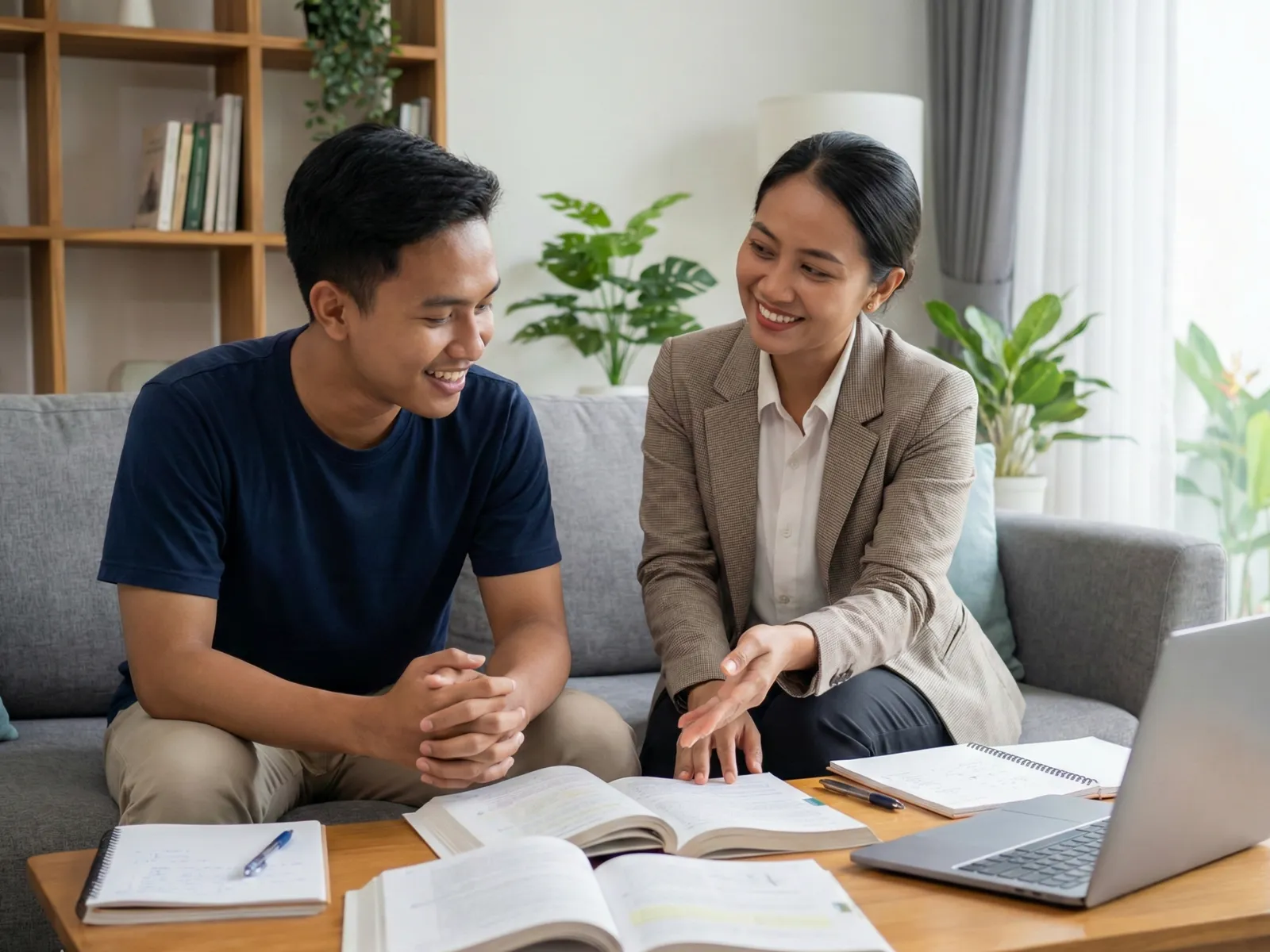
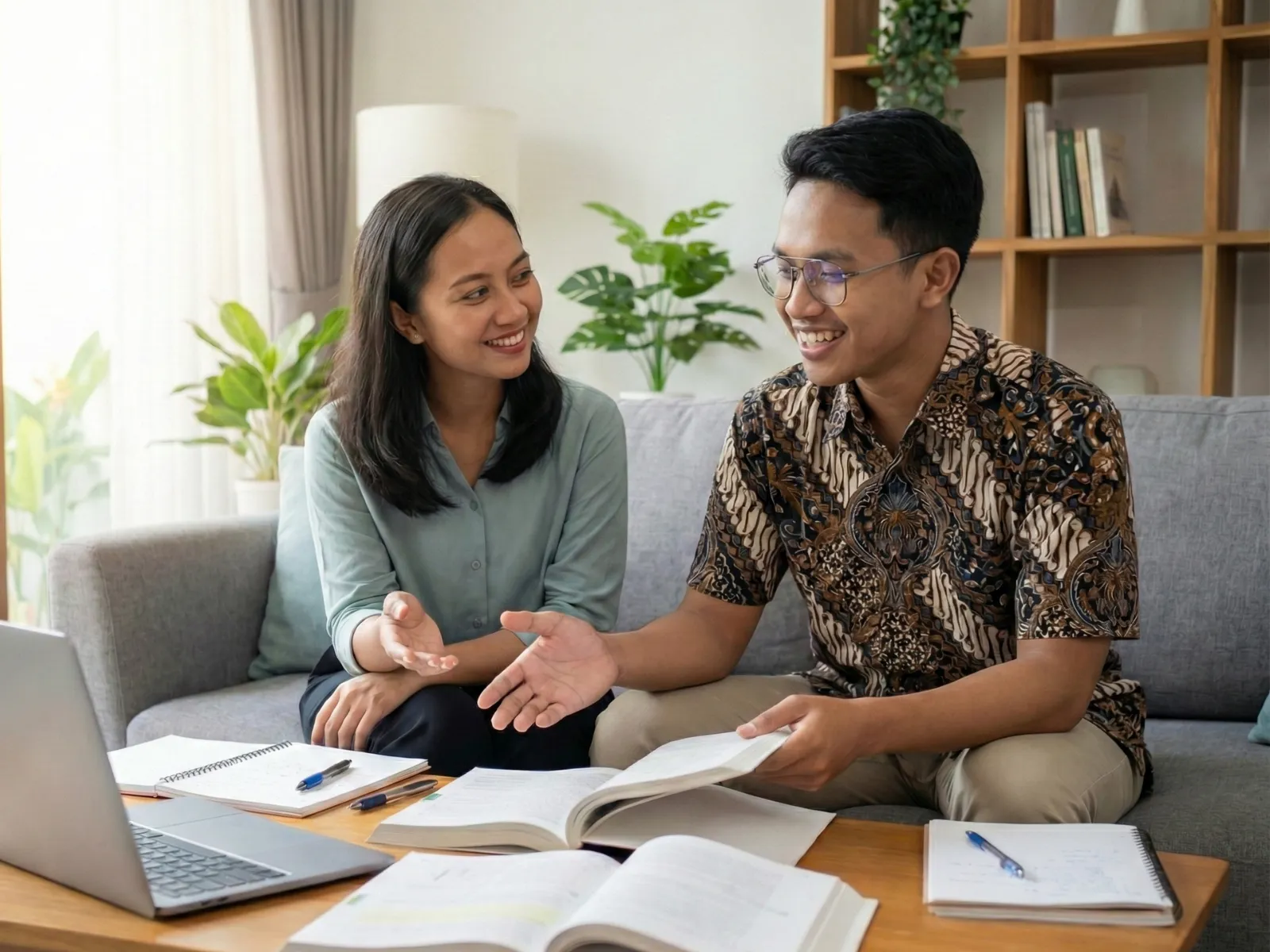
The learner tries each step on their own laptop while the tutor walks through it. These illustrations were not taken from a specific lesson.

Before the First Session
Preparation Checklist for Photoshop Learners
The first session runs more smoothly when your device and practice material are ready. Go through this list before the tutor arrives or before you open the Zoom link.
-
A laptop that can run Photoshop
Check the current system requirements on Adobe's official site. High-resolution photos with many layers fill RAM quickly, and Photoshop uses disk space as a scratch disk, so keep plenty of free space.
-
An active Adobe Photoshop license
Photoshop runs on an Adobe Creative Cloud subscription. The license is bought and paid for by the learner. In the first session, the tutor helps make sure the app is installed and signed in to the right account.
-
A mouse, plus a pen tablet if you own one
A touchpad is enough for learning the menus, but selections, masking, and retouching are far easier with a mouse. A pen tablet helps with digital painting and with dodge and burn, and it is optional at the beginner level.
-
A folder of practice photos
Gather 10 to 20 photos you want to work on, such as portraits, products, or landscapes. Shots from a phone camera are fine.
-
Examples of designs you like
Save a few posters, social media posts, or catalog covers as references. The tutor uses them to talk through composition and type choices.
-
A desk and a power outlet
For in-person sessions, set up a well-lit desk with an outlet close by. Two hours with Photoshop open drains a laptop battery fast.
-
A stable connection for online sessions
Screen sharing needs a steady upload connection. Close other apps so Photoshop and Zoom are not fighting over memory.
Everything on this list is the learner's responsibility and is not included in the fee. If you pick a café or coworking space as the venue, the venue cost and anything you order there are paid by the learner too.
Online Lessons
Learning Photoshop Online by Sharing Your Screen
Photoshop suits online learning well, because what the tutor needs to see is your screen. On Zoom or Google Meet you share your screen, and the tutor sees your Layers panel, tool settings, and results as you work. When needed, the tutor asks for remote control for a moment to show where a menu sits.
Online sessions are recorded, so you can rewatch a long retouching sequence when you repeat the exercise. This option suits learners in parts of Bali far from in-person tutors, or people who often travel outside Bali for work.
For a smooth session, use an internet connection that does not keep dropping and, if you have one, a second monitor: one for Zoom and one for Photoshop. A single screen still works.
Service Area
Photoshop Tutor Service Areas Across Bali
Photoshop lessons in Bali can run in person anywhere on the island, including the areas below, at a place you choose: your home, a rented room, a photo studio, or the workspace where you usually edit.
-
Denpasar
The capital of Bali Province. Listed areas include Sanur, Renon, Sesetan, and Panjer. A good fit for university students and office workers who study after work.
-
South Badung
Includes Kuta, Seminyak, Canggu, Jimbaran, and Nusa Dua. Villa photographers and people running food businesses can learn right where they work.
-
Gianyar
Includes Ubud, Sukawati, Tegallalang, and Payangan. Painters and craftspeople can learn to clean up photos of their own pieces for a catalog.
-
Sanur and Surroundings
The area around Sanur on Bali's southeast coast, including Sanur Kaja, Sanur Kauh, Kesiman, and Tohpati in South and East Denpasar.
-
Tabanan and Buleleng
The west and the north of Bali: Tabanan town, Tanah Lot, Singaraja, and Lovina. Whether lessons run in person there depends on tutor availability near you.
-
Online Lessons
Zoom or Google Meet, with your screen shared to the tutor and hours set freely. Open to learners in Bali and beyond, and every session is recorded.
No in-person tutor near you in Bali yet? Your lessons can still start on Zoom.
Fee Breakdown
Photoshop Lesson Fees in Bali and Who Pays for What
Photoshop lessons in Bali are charged per session. This table separates the lesson fee from other costs that tend to come up when you learn design.
| Component | Details | Paid by |
|---|---|---|
| Lesson fee per session | From IDR 197,300 per 60-minute session | Learner, paid to Edupola |
| Number of sessions | 4 to 28 sessions a month, as needed | Sets the monthly total |
| Adobe Photoshop license | Adobe Creative Cloud subscription in the learner's name | Learner |
| Laptop, mouse, and pen tablet | Devices used in sessions and for practice at home | Learner |
| Printing your work | Posters, business cards, or photos printed at a print shop | Learner |
| Paid study venue | A café or coworking space, if chosen as the lesson location | Learner |
| Changing tutors in the first 2 weeks | If the tutor's teaching style does not suit you | No extra charge |
Invoices are paid by bank transfer, GoPay, OVO, or DANA once the admin sends the details, before the first session.
Tutors
Who Is the Tutor Our Team Finds for You?
Graphic designers who have worked in the creative industry for at least 3 years tutor Photoshop lessons in Bali at Edupola, in line with the criteria listed for this program. The Edupola team tries to match the tutor to your focus, as far as tutor availability in your area allows. A learner who wants to go deep into wedding retouching is matched with a tutor used to editing portraits, while a business owner who needs promotional material is matched with a tutor who often produces print and social media designs.
Distance counts as well. For in-person sessions in Denpasar, Badung, Gianyar, or any other regency in Bali, the team looks for a tutor who lives within reasonable reach of your location, so the weekly schedule is easy to keep. If no suitable in-person tutor is available near you yet, lessons move to Zoom with the material in the same order.
Whether a teaching style suits you usually becomes clear after a few sessions. If the tutor's explanations are hard to follow during the first 2 weeks, let the admin know on WhatsApp at 0816-4896-919. A replacement is found at no extra cost.
Learner Stories
What Learners Say After Their Photoshop Sessions
These learners describe their Photoshop lessons in Bali in their own words. We translated each quote from Indonesian without changing what it says, and names are shortened to protect their privacy.
-
★★★★★
My design assignments used to be just average. After taking Photoshop lessons at Edupola, my compositing and retouching skills improved rapidly. My final project was even displayed in the campus gallery!
Best campus assignment
Ratna D.
Visual Communication Design (DKV) student · Verified Learner
-
★★★★★
My wedding photo retouching is now much more professional thanks to guidance from my Edupola tutor. The frequency separation and color grading techniques I was taught really changed the results of my work.
Clients tripled
Arta W.
Wedding photographer · Verified Learner
-
★★★★★
Before, I only used Canva. Now, after Photoshop lessons, my visual content is much more professional and unique. Instagram engagement for the brand I handle went up drastically!
Engagement up 200%
Ayu P.
Social media manager · Verified Learner
-
★★★★★
The Edupola tutor taught techniques you will not find on YouTube: a professional workflow, non-destructive editing, and how to present to clients. Now my rate has gone up 2x because the quality has improved.
Professional portfolio
Surya
Freelance designer · Verified Learner
-
★★★★★
My product photos used to be careless. After learning Photoshop at Edupola, I can edit my own product photos with studio-level results. It saves money and sales have gone up!
Professional product photos
Sri L.
Online shop owner · Verified Learner
-
★★★★★
I learned to make eye-catching YouTube thumbnails and banners. The Edupola tutor taught typography, color theory, and composition in great detail. My video CTR went up significantly!
Viral YouTube thumbnails
Dharma P.
Content creator · Verified Learner
How to Register
How to Register for Photoshop Lessons in Bali
Registration takes four steps, and it starts with your schedule.
-
Describe Your Goals and Schedule
Message us with your current Photoshop level, what you want to make (portrait retouching or a poster for your shop, for example), where in Bali you want to meet or whether you prefer online, and which days and hours are free in your week. Use WhatsApp or the registration form. The consultation costs nothing.
-
Our Team Finds a Photoshop Tutor
As soon as the lesson days and hours are agreed, the Edupola team looks for a Photoshop tutor who fits your focus and lives within reach of your location. This takes 1 to 5 working days.
-
Receive the Fee Details and Pay
The admin works out the invoice before the first session, from your session length and the monthly count. Payment is by bank transfer or e-wallet (GoPay, OVO, DANA).
-
Your First Session Begins
The tutor meets you at the agreed location, or on Zoom or Google Meet. Have your laptop ready with Photoshop installed and a few photos to work on.
Not sure which level to start from? Send a sample of your edits to our admin on WhatsApp, and your starting level can be discussed before you register.
Related Programs
More Design and Photo Programs in Bali
Photoshop is rarely used on its own. These programs build on what you learn in Photoshop lessons in Bali.
-
Adobe Illustrator Lessons in Bali
Logos, icons, and vector illustrations that stay sharp at any size. Many design studios use Illustrator side by side with Photoshop.
-
Graphic Design Lessons in Bali
Composition, color, and typography principles for learners who want to understand design beyond a single app.
-
Photography Lessons in Bali
Shooting with the right light and composition, so the photos you bring into Photoshop are already strong when they leave the camera.
-
Adobe Premiere Lessons in Bali
Video editing for content and event coverage, a next step for content creators.
-
Content Creator Lessons in Bali
Planning and producing social media content, from the first idea to the published post.
FAQ
Common Questions About Photoshop Lessons in Bali
Have a question that is not answered here? Ask us on WhatsApp at 0816-4896-919.
How much do Photoshop lessons at Edupola cost?
Photoshop lessons in Bali at Edupola start from IDR 197,300 for one 60-minute session. The monthly total depends on session length and the number of sessions, between 4 and 28 a month. The Photoshop license and laptop are paid by the learner and are not included in the fee.
Do I need my own laptop and Photoshop?
Yes. You practice on your own laptop so your settings and working files stay on the device you will keep using. The Adobe Photoshop license is paid by the learner. In the first sessions, the tutor helps check your laptop's specifications and the app installation.
Are the lessons suitable for complete beginners?
Yes. The Beginner level starts with the interface, layers, selection tools, and cropping. The tutor sets the pace to match how quickly you pick things up, and every technique is practiced straight away on your own photos.
How long until I can use Photoshop comfortably?
As a rough guide with 2 to 3 sessions a week: basic editing can usually be done on your own after 2 to 3 sessions, intermediate retouching and compositing takes about 2 months, and the advanced level about 3 to 4 months. The timeline depends on how much you practice between sessions.
Can the lessons focus on one area only?
Yes. You can focus on photo retouching for photographers, poster design, product photo editing for online stores, or digital art. Mention the focus during the consultation so the tutor our team finds is a good match.
How is Photoshop different from Lightroom or Canva?
Lightroom is built for processing many photos at once, mainly their color and lighting. Canva makes it easy to design from templates. Photoshop is the tool for pixel-level control: removing objects, replacing backgrounds, detailed retouching, and combining several photos into one.
Do the lessons cover generative features such as Generative Fill?
They can, if your version of Photoshop includes them. Generative features need an internet connection and use generative credits from your Adobe subscription plan. The tutor still teaches the manual methods with Clone Stamp and masking, because generative results often need cleaning up.
How long does it take to find a Photoshop tutor?
The clock starts once your schedule is agreed. Within 1 to 5 working days, the Edupola team finds a suitable Photoshop tutor, and the admin confirms the tutor's name and your first session on WhatsApp.
Get Started
Send Your Schedule and We Will Find Your Photoshop Tutor
Tell us the level, focus, and location you want for your Photoshop lessons in Bali. Once the schedule works for both sides, a tutor is found for you within 1 to 5 working days.