Private Adobe Premiere Lessons in Bali
Premiere Pro Lessons in Bali: Video Editing from Your First Clip to a Portfolio Reel
Edupola's Premiere Pro lessons in Bali teach video editing one to one, at your place in Bali or on Zoom. You learn cutting, color grading, audio, and portfolio reels. Fees start from IDR 224,100 per 60-minute session, and a tutor is found in 1 to 5 working days.
Curriculum
Premiere Pro Curriculum from Beginner to Pro
In your first session, the tutor places you on the four-level curriculum of our Premiere Pro lessons in Bali, so if you already cut video, you skip the basics.
-
Level 1 · Beginner
Workspace, Timeline, and Your First Export
This level builds the basics. You create a project, sort imported media into bins in the Project panel, and make a sequence that matches your footage. Then you cut with the Razor tool, Ripple Edit, and the J, K, L shortcuts that play forward and backward. The result is your first short video, which you export yourself as H.264 for YouTube or Instagram.
Common mistakes: sequence settings that do not match the footage, so the picture shows black bars or gets cropped, and project files moved without their media, which brings up media offline warnings. Your tutor gets you used to creating sequences straight from a clip, keeping all media in one project folder, and using Link Media to reconnect missing files.
- Import, bins, and color labels
- Razor, Ripple Edit, and Rolling Edit
- J, K, L shortcuts plus In and Out points
- Basic transitions and title text
- H.264 export for social media
-
Level 2 · Intermediate
Color, Sound, Graphics, and Multi-Cam
At the intermediate level, your videos start to look and sound clean. Color correction happens in the Lumetri Color panel with help from Lumetri Scopes. Audio is cleaned up in Essential Sound by separating dialogue, music, and effects. Text and lower thirds come from graphic templates, and interview or event footage from two or more cameras is synced in a multi-camera sequence. Speed ramping and creative transitions come in here too.
Common mistakes: judging color by eye on a bright laptop screen, and music that drowns out the speaker's voice. Your tutor teaches you to read the waveform and the vectorscope before moving a slider, and to use Auto Ducking so the music drops by itself whenever someone speaks.
- Lumetri Color and Lumetri Scopes
- Essential Sound and noise reduction
- Lower thirds and text templates
- Multi-cam sync by audio
- Speed ramping and time remapping
-
Level 3 · Advanced
Color Matching, Dynamic Link, and Subtitles
The advanced level covers typical client work. You match color across scenes and cameras, apply LUTs in the right order, and send clips to After Effects through Dynamic Link for visual effects without intermediate renders. You also add simple sound design and generate automatic subtitles from a transcript, then correct them line by line.
A common mistake: a creative LUT applied straight to log footage before exposure and white balance are fixed, which shifts skin tones and breaks up the shadows. Your tutor separates basic correction, color conversion, and the look onto different layers, for example with adjustment layers, so you can check each step and switch it off on its own.
- Color matching across scenes
- Technical LUTs and creative LUTs
- Dynamic Link to After Effects
- Auto subtitles and manual correction
- Sound design and audio sweetening
-
Level 4 · Pro
Full Project Workflow and Portfolio Reel
The pro level brings everything together in complete projects: a short film or documentary with a visual story structure, an advertisement with an agency-style revision flow, and YouTube content with chapter markers and end screens. You learn to manage long projects with proxies, save revision versions without overwriting older ones, and prepare a master file plus a version for each platform.
A common mistake: a portfolio reel that runs too long and opens with a weak clip. Your tutor helps you pick the strongest cuts from your own projects and assemble them into a short reel. Then you watch it together the way a prospective client or recruiter would.
- Proxies for 4K footage
- Documentary story structure
- Ad editing and revision versions
- YouTube chapter markers and end screens
- Building a portfolio reel
Private Premiere Pro lesson ratings and fees
| Program | Premiere Pro Lessons in Bali |
|---|---|
| Provider | Edupola |
| Description | Private Adobe Premiere Pro lessons in Bali, one tutor per student. Covers video editing, color grading, audio mixing, motion graphics, and multi-cam editing. |
| Fee | Rates start from Rp224,100 per session. |
| Session Length | Each session lasts 60, 90, or 120 minutes. |
| Schedule | Flexible, set around the student's time. |
| Start | Registration is open all year. |
| Sessions per Month | 4 to 28 sessions as needed. |
| Rating | 4.8 out of 5, based on 141 reviews |
Program Overview
What You Learn in Premiere Pro Lessons in Bali
In Edupola's Premiere Pro lessons in Bali, you learn video editing in Adobe Premiere Pro in private sessions. One tutor works with one student, at a place you choose in Bali or online through Zoom with screen sharing. You work on your own laptop, so every session project stays on your device for solo practice.
The material follows the way an editor works. You organize media in the Project panel, lay out a rough cut on the timeline, tighten the pace, fix color with Lumetri Color, clean up the sound, and add text and graphics. Then you export a file that suits YouTube, Instagram, TikTok, or a presentation screen. The upper levels add multi-cam, Dynamic Link to After Effects, subtitles, and building a portfolio reel. Tutors for this program are video editors and filmmakers, so exercises mirror the jobs editors usually get.
Fees start from IDR 224,100 per 60-minute session, with 4 to 28 sessions per month. The final fee depends on session length, the number of sessions per month, and the level you take. Your laptop, Premiere Pro license, footage, and hard drive are prepared by you and are not included in the fee. If the tutor does not feel like the right fit within the first 2 weeks, Edupola finds a replacement at no extra cost. Students rate this program 4.8 out of 5, based on 141 reviews.
Method
How a Premiere Pro Tutor Teaches
You can reopen the project files from every session of your Premiere Pro lessons in Bali. Learning rests on these habits.
-
Practice with real footage
Practice uses genuine recordings from different genres: travel vlogs in Bali, events, interviews, or products. Your own footage helps most, because its problems are the ones you will meet on the job. If you have none yet, your tutor helps you plan a short shoot with your phone.
-
Before and after review
Once you apply a technique, the result plays side by side with the original version. You see what color grading, audio balance, and cutting pace change, and learn to explain each edit.
-
Client deadline simulation
Now and then, your tutor gives you a short client-style brief with a time limit inside the session. This builds a time-saving order of work: rough cut first, then tidy up, and only then polish color and sound.
-
Reel material collected from day one
Strong cuts from every level go into one dedicated folder. At the end of the program, that folder becomes the material for a portfolio reel you can use for job applications or freelance offers.
One Session
What Does One Premiere Pro Session Look Like?
A session of Premiere Pro lessons in Bali lasts at least 60 minutes, and you can take 90 or 120 minutes. The example below uses a 2-hour session for an intermediate student, and the order adjusts to your goals.
-
Minutes 0 to 15
Project check and session goal
Your tutor opens the project from the previous session, asks what got in your way during solo practice, and agrees with you on one result to finish by the end of the session.
-
Minutes 15 to 45
A new technique, demonstrated
One new technique is shown on your footage, for example matching the color of two cameras with Comparison View in Lumetri. You mark the key steps right away with markers on the timeline.
-
Minutes 45 to 90
Hands-on practice
You work on the next part yourself while the tutor watches your screen. Corrections come on the spot, including keyboard shortcuts that cut out repeated clicks.
-
Minutes 90 to 110
Side-by-side review
The result plays next to the original version. Your tutor points out what can still be tidied up and explains the technical reason.
-
Minutes 110 to 120
Export and a task for later
The video is exported with a preset that fits its purpose. Your tutor sets a short exercise to finish before the next session.
This time split is only an example. In a 1.5-hour session, the practice part is shorter and the review is combined with the export.
Diagnosis
Common Editing Mistakes and How Your Tutor Handles Them
Many video editing problems in Premiere Pro start with small habits early in a project. This table sums up the ones most common among self-taught editors.
| Mistake | Effect on the video | How your tutor handles it |
|---|---|---|
| Phone footage with a variable frame rate edited as it is | Sound slowly drifts out of sync with lip movement toward the end of the video | Checking the clip properties, then converting the footage to a constant frame rate before editing starts |
| All clips stacked on one track with no order | Small revisions take a long time because clips are hard to find | Splitting tracks by type: dialogue, b-roll, music, sound effects, and text |
| Cuts landing in the middle of a word or a breath | Dialogue sounds choppy and unnatural | Practicing J-cuts and L-cuts and reading the audio waveform before cutting |
| Volume pushed up until the meter hits red | Sound distorts on phone speakers and is hard to repair | Keeping dialogue peaks below 0 dB and treating the audio meter as the reference |
| Text placed too close to the edge of the frame | Text hidden behind app buttons and captions on TikTok or Reels | Using safe margin guides and checking a preview on a phone before export |
| Exporting with a random preset | Files that are too large, or a picture that breaks up after upload | Building your own export preset for each platform and saving it for reuse |
| Projects saved under one name only | The version the client approved gets overwritten by a new revision | Making a habit of Save As with version numbers and turning on Auto Save |
This table serves as a diagnostic tool in the first sessions of your Premiere Pro lessons in Bali. Your tutor opens your project and starts from the mistakes that show up in your own work.
Who It Is For
Who Should Take Premiere Pro Lessons?
Your goal decides which material a Premiere Pro tutor in Bali covers first, and every student's goal is different.
-
YouTube, TikTok, and Reels Creators
The focus is cutting pace, on-screen text, clear audio, and vertical 9:16 exports with nothing important cropped. Auto Reframe and text templates help your regular content get finished faster.
-
Aspiring Editors and University Students
For anyone aiming for a job at a production house, agency, or creative studio. Practice stresses the habits teams look for: tidy project folders, clear sequence names, and revisions that are easy to trace.
-
Marketing Teams and Business Owners
Business owners and marketing teams in Bali can make their own product videos, accommodation tours, menus, and short social media ads. Your tutor helps set up sequence templates and export presets so your weekly content looks consistent.
-
Indie Filmmakers
Post-production for short films, documentaries, or music videos: from rough cut and picture lock to color grading, the final mix, and the master file.
-
Wedding and Event Videographers
Combining footage from several cameras, matching their color, then condensing hours of an event into a highlight of a few minutes that holds attention from start to finish.
-
Teachers and Educational Video Makers
Screen recordings, camera footage, and slides are arranged into well-ordered lesson videos, complete with subtitles and chapter markers so students can easily replay specific parts.
Before You Register
When This Course Is Not Yet Right for You
Premiere Pro is the main tool in these lessons, and every session runs with one tutor for one student. In these cases, start elsewhere.
-
You only want quick edits on your phone
If all you need is to cut short videos on your phone without paying for an Adobe subscription, an app such as CapCut is lighter.
-
You are not tied to one program yet
Edupola's Video Editing Lessons cover CapCut, DaVinci Resolve, and After Effects, so it suits you better until you settle on one editing tool.
-
Your laptop falls short of the Premiere Pro requirements
Much of each session would go to waiting for playback and renders. Get the device ready first, then register.
-
Your main need is shooting
Camera technique, composition, and lighting while recording are covered in videography lessons. Editing in Premiere Pro can follow afterward.
-
You are still unsure
Send one example of a video you have edited or want to make. The team helps read what you need before you decide on a program.
Learning Milestones
Signs of Progress You Can See
Every student moves at a different pace. So progress in Premiere Pro lessons is measured by skills visible in your projects, with no promised timeline.
| Stage | What you work on | Visible sign of progress |
|---|---|---|
| Beginner | Organized project, rough cut, first export | A short video finished from import to export without help, and the project opens on another laptop with no media offline |
| Intermediate | Color, audio, text, multi-cam | Two clips from different cameras look matched on the scopes, dialogue is clear over the music, and you can explain your choices |
| Advanced | Color matching, Dynamic Link, subtitles | Revisions from someone else can be made without damaging the previous version, and subtitles stay in sync from start to finish |
| Pro | Full project and portfolio reel | One long project finished to the brief, and a portfolio reel ready to send to prospective clients or recruiters |
These milestones describe skills and do not promise any particular job or client. The pace depends on how often you have sessions and how much you practice between them.
Gallery
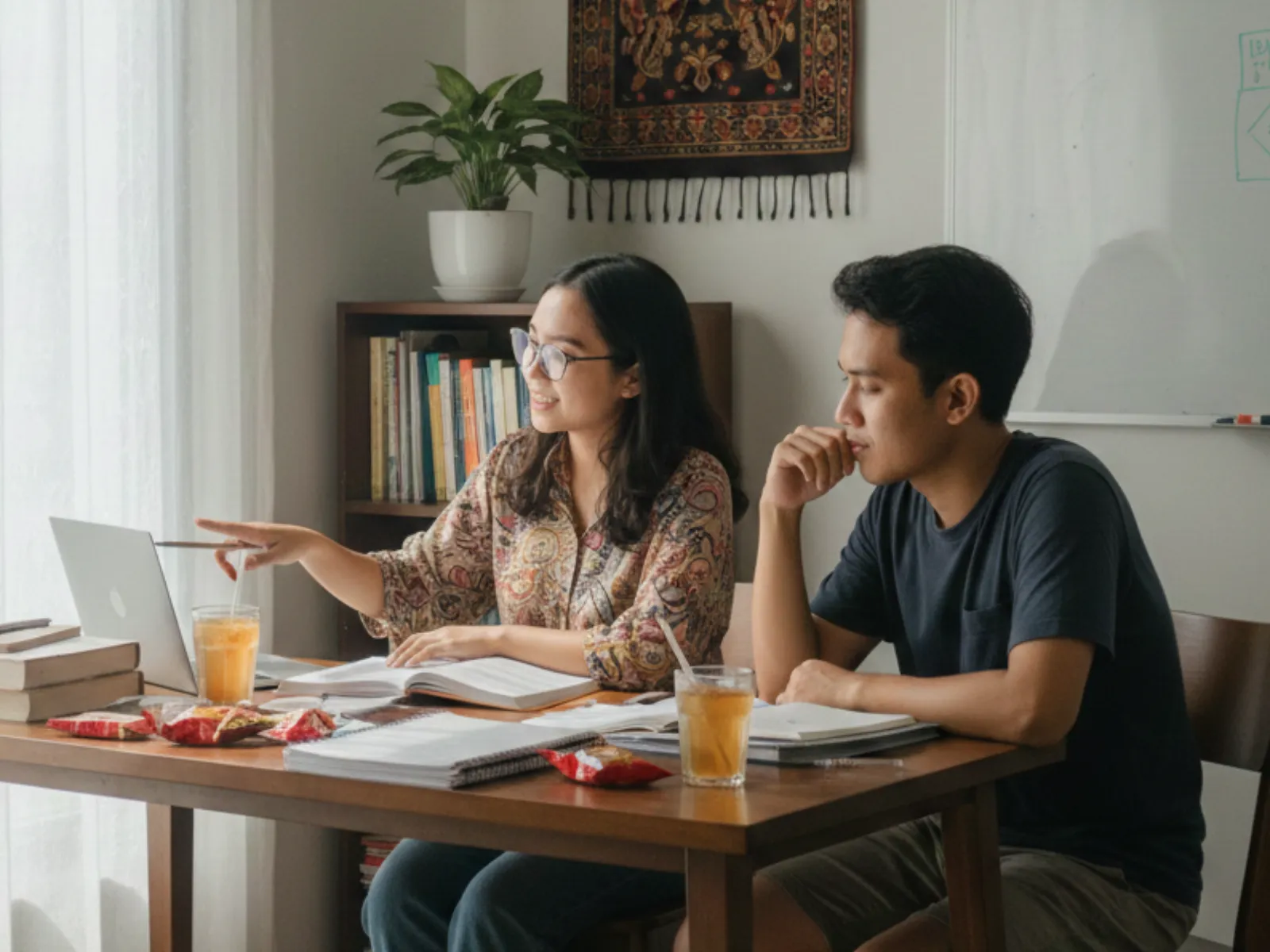
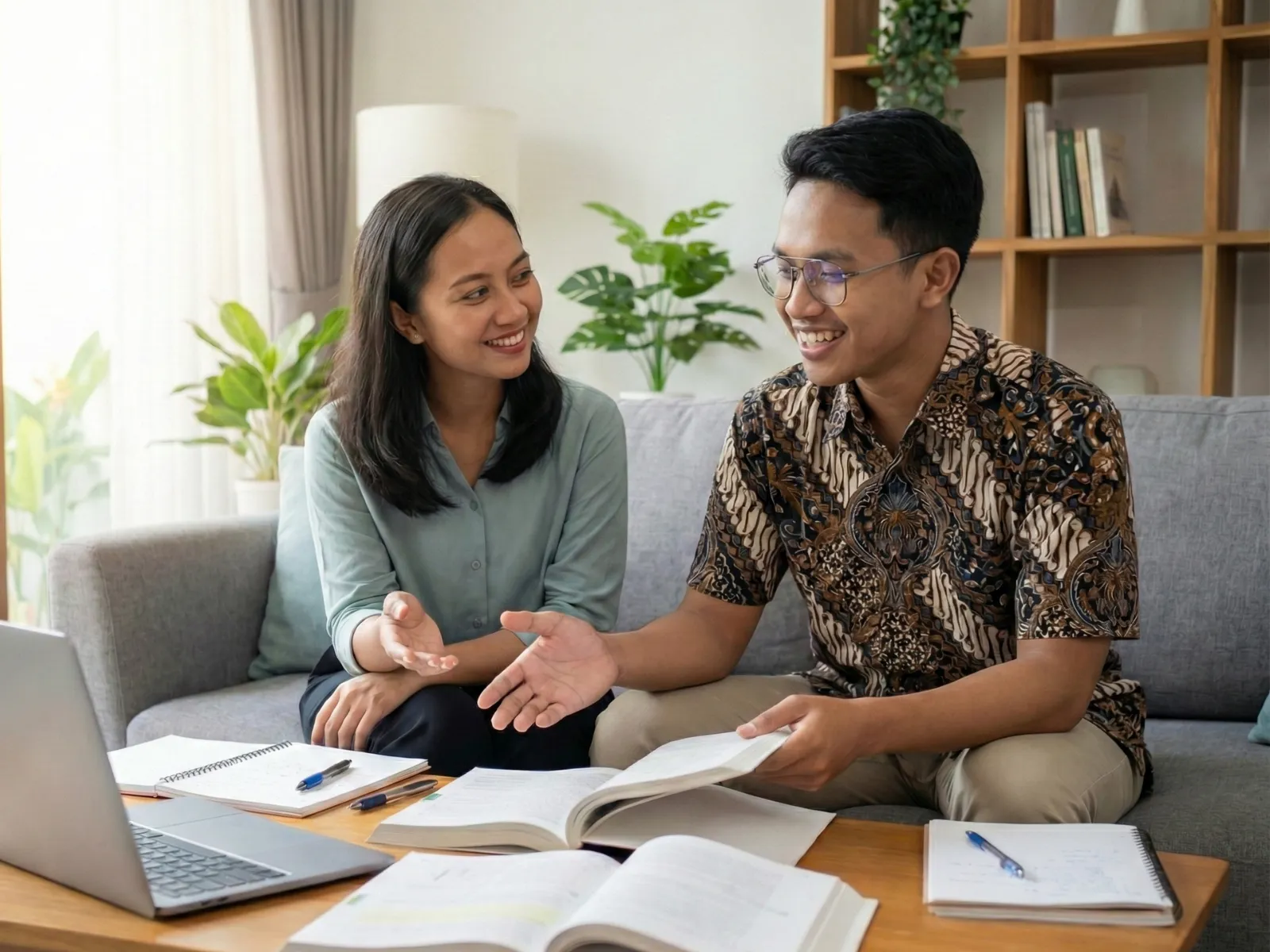
The Setting of a Premiere Pro Lesson
These three images show what learning video editing with one tutor and one student looks like. They are illustrations and were not taken from any particular lesson.

Student Preparation
Equipment and Editing Material for Your First Session
You prepare your own equipment and practice material, and these are not included in the fee for Premiere Pro lessons in Bali. This list helps your first session go straight to editing.
-
A laptop that can run Premiere Pro
Adobe publishes technical requirements for each version, and the latest version needs an up-to-date operating system. The official minimum is 8 GB of RAM, while 16 GB runs much more smoothly with HD footage. An SSD speeds up timeline playback. Check Adobe's requirements page before you buy or upgrade a laptop.
-
An active Premiere Pro license
Premiere Pro is sold as an Adobe Creative Cloud subscription. The subscription is in your name, paid by you, and separate from the lesson fee. Make sure the app is installed and opens before the session starts.
-
Practice footage and music
Gather a few of your own recordings, such as phone videos, event footage, or a short interview, along with music you are allowed to use. Keep everything in one folder.
-
External storage
An external hard drive or SSD for media and cache, so your laptop's disk does not fill up in the middle of a project.
-
Headphones
Closed headphones help you hear hiss, hum, and clipped words that slip past laptop speakers.
-
A mouse and a desk near a power outlet
A mouse with a scroll wheel makes zooming on the timeline easier. Sit at a desk near a power outlet, because rendering and exporting drain the battery quickly.
-
A stable connection for online sessions
For online lessons, have a stable internet connection and the latest version of Zoom. A second monitor helps a lot: one screen for Premiere, the other for seeing your tutor.
-
A list of videos you want to make
Write down the kinds of videos you want to produce over the next few months. Your tutor uses this list to set the order of the material.
Not sure your laptop is good enough? Send its specs to WhatsApp 0816-4896-919 during the consultation, before the schedule is agreed.
Online Lessons
Online Premiere Pro Lessons from Outside Bali
Editing is screen work, so Premiere Pro lessons run well online. Through Zoom, you share your Premiere screen, and the tutor sees the same timeline, effects panel, and export settings that you see. Corrections come as you work, and the tutor can request screen control to show where a menu sits.
Every online session is recorded, so you can replay any missed step during solo practice. The online route suits students outside the in-person area, for example in Karangasem, Jembrana, Bangli, or outside Bali. It also suits students in Denpasar or Badung whose schedules are hard to match with a tutor's travel time around Bali.
Service Area
Where Premiere Pro Tutors Teach in Bali
Tutors for Premiere Pro lessons in Bali travel to the place you choose in the areas below. Other parts of Bali depend on tutor availability.
-
Denpasar
The city center of Bali, including Renon, Sesetan, and Panjer.
-
Badung
Southern Bali, including Kuta, Seminyak, Canggu, Jimbaran, and Nusa Dua.
-
Gianyar
Ubud and the surrounding area, including Sukawati, Tegallalang, and Payangan.
-
Sanur and Surroundings
Sanur Kaja, Sanur Kauh, Kesiman, and Tohpati on the east side of Denpasar.
-
Tabanan and Buleleng
Western and northern Bali, including Tabanan town, Tanah Lot, Singaraja, and Lovina.
-
Online Lessons
Through Zoom or Google Meet with screen sharing, for students outside the in-person area and across Indonesia.
Sessions can take place at your home, a rented room, a workspace at your business, or a campus study room, as long as there is a desk, a power outlet, and a setting quiet enough to hear audio. The Edupola office is not used as a lesson venue. If you choose a cafe, coworking space, or paid studio in Bali, you cover the venue cost.
Fees
Adobe Premiere Lesson Fees in Bali
Private Adobe Premiere Pro lessons in Bali start from IDR 224,100 per 60-minute session. A sitting can run to 90 or 120 minutes instead, and the month can hold anywhere between 4 and 28 of them. Three things decide the final fee: how long each sitting runs, how many of them you take, and which level of material you are on.
The lesson fee covers the tutor's time during the session, material prepared for your level, and review of your work. These are not included in the fee: the Premiere Pro license and other Adobe apps, your laptop and supporting equipment, paid footage or music, and venue rental.
Payment is by bank transfer or e-wallets such as GoPay, OVO, and DANA. If you are working toward a deadline, such as a company event video or a final university project, mention the date during the consultation. The team then plans enough sessions per month before that date.
Testimonials
Stories from Premiere Pro Students
What learners said after taking Edupola's Premiere Pro lessons in Bali. The quotes are translated from Indonesian; names appear shortened, so that no learner can be identified.
-
★★★★★
My videos used to be flat and monotonous, and viewers skipped them quickly. After learning color grading and cutting rhythm at Edupola, my video quality went up drastically. My subscribers grew from 12K to 38K in 6 months, all because my videos are more engaging and professional.
Subscribers tripled after video quality improved
Arya W.
YouTuber and Content Creator · Verified Student
-
★★★★★
I'm a wedding videographer who at first could only do basic cut and paste. My Edupola tutor taught me cinematic editing, color matching, and audio mixing. My portfolio now looks far more high-end and my clients have grown quickly, with some even booking from outside Bali.
Clients doubled thanks to a new portfolio
Ayu P.
Wedding Videographer · Verified Student
-
★★★★★
Campus taught theory but not much in-depth editing practice. Lessons at Edupola trained me with real footage and deadline simulations. The portfolio reel I made with my tutor got me an internship at the production house I had dreamed of.
Accepted for an internship at a well-known production house
Putra M.
Visual Communication Design Student · Verified Student
-
★★★★★
Moving from amateur to professional editor takes the right guidance. Edupola taught me a commercial editing workflow and agency standards. Now I regularly get ad projects from several agencies in Bali and Jakarta. My rates have gone up significantly too.
Landed ad projects from creative agencies
Ratna S.
Freelance Video Editor · Verified Student
-
★★★★★
As a teacher, I wanted to make learning videos that aren't boring. My Edupola tutor taught me editing techniques that make the material visual and engaging. My students are now more eager to watch the lesson videos I make.
Learning videos became more engaging and interactive
Dharma P.
High School Teacher and Educational Video Maker · Verified Student
-
★★★★★
Our startup had no budget to hire a full-time video editor. After Adobe Premiere lessons at Edupola, I can handle all of it: product videos, company profiles, and social media content. The company saves on outsourcing costs and our content is more consistent.
Handles all company video content in-house
Ayu W.
Startup Employee · Verified Student
How to Register
How to Register for Premiere Pro Lessons in Bali
From your first message to your first session, the steps look like this.
-
Consultation on WhatsApp
Tell us about the video you want to work on, your current level, your Premiere Pro version, and your laptop specs. The team helps set your starting level.
-
Agree on a schedule, then the team finds a tutor
Set the day, time, and in-person location in Bali, or opt for online sessions. Once the schedule is agreed, the team finds a suitable Premiere Pro tutor within 1 to 5 working days.
-
Payment
Pay by bank transfer or e-wallet (GoPay, OVO, DANA) for the number of sessions agreed.
-
First session
Your tutor checks your laptop and workspace, then moves straight into your first project, in person or online through Zoom.
Need help? Contact our admin on WhatsApp for a free consultation.
FAQ
Questions About Adobe Premiere Lessons
Common questions before you register for Premiere Pro lessons in Bali, with their answers. You can send other questions to WhatsApp 0816-4896-919.
How much do Premiere Pro lessons in Bali cost per session?
Fees start from IDR 224,100 per 60-minute session, and you can take 4 to 28 sessions per month. The final cost depends on session length, number of sessions, and level, and the team confirms it before payment.
What kind of laptop do I need to learn Premiere Pro?
A laptop that meets Adobe's technical requirements for the Premiere Pro version you install. Adobe's official minimum is 8 GB of RAM, while 16 GB runs much more smoothly with HD footage. An SSD and a supported GPU speed up playback and export. Send your laptop specs during the consultation so they can be checked first.
Is the Premiere Pro license included in the lesson fee?
No. Premiere Pro is a subscription app from Adobe Creative Cloud. You buy and pay for the subscription yourself, separate from the lesson fee. Your tutor can explain the differences between Creative Cloud plans, and you make the purchase on your own.
I have never edited a video. Can I start from zero?
Yes. The beginner level starts with creating a project, importing footage, and cutting clips on the Premiere Pro timeline. The pace follows you, and every session ends with a video you export yourself.
Can the lessons focus on a single need?
Yes. Premiere Pro material can center on vertical content for TikTok and Reels, wedding videos, color grading, educational videos, or ads. Mention your target during the consultation so the order of material is built around that need.
In person or online: which works better for video editing?
Both use your own laptop. In-person sessions in Bali make it easier for the tutor to help set up your workspace and laptop settings, while online lessons through Zoom use screen sharing, so the tutor sees your timeline directly. Online sessions are recorded and can be rewatched.
How long does it take to find a Premiere Pro tutor?
Once the schedule and location are agreed, the team finds a Premiere Pro tutor within 1 to 5 working days. A more flexible schedule makes the search easier, especially for in-person sessions outside Denpasar and Badung.
What if the tutor is not the right fit for me?
Tell the Edupola team. Within the first 2 weeks, the tutor can be replaced at no extra cost. Say what did not work, such as the pace of explanations or the video editing focus, and the replacement is found with that in mind.
Can sessions take place at a cafe or coworking space in Bali?
Yes, as long as the place is quiet enough to hear audio and has a power outlet for your laptop. You cover the venue costs, including a minimum spend at a cafe or room rental. Premiere Pro sessions are not held at the Edupola office.
How are Adobe Premiere lessons different from video editing lessons?
Adobe Premiere lessons spend every session on Premiere Pro, from the timeline to export. Edupola's Video Editing Lessons cover several programs, such as DaVinci Resolve, CapCut, and After Effects. Go with Premiere Pro if your workplace or clients use it.
Will I definitely get a job or clients after the lessons?
These lessons train your video editing skills and help you build a portfolio reel from your own projects. Jobs, internships, or clients still depend on your applications, your network, and the decisions of whoever is hiring, so Edupola does not promise those outcomes.
Related Programs
Other Programs for Video Editors and Creators
Premiere Pro rarely works alone. These programs cover what comes before and after the edit.
-
Video Editing Lessons in Bali
Learn editing with other software such as DaVinci Resolve, CapCut, and After Effects.
-
Videography Lessons in Bali
DSLR or mirrorless camera technique and how to record footage that is easier to edit later.
-
Content Creator Lessons in Bali
Content planning, captions, and personal branding for Instagram, TikTok, and YouTube.
-
Adobe Photoshop Lessons in Bali
YouTube thumbnails, posters, and photo retouching to go with your videos.
-
Photography Lessons in Bali
Exposure, composition, and light, the same basics you use when you record video.
Get Started
Start Premiere Pro Lessons in Bali
Tell us about the video you want to make and your current level. Once the schedule is agreed, the Edupola team finds a Premiere Pro tutor for in-person sessions in Bali or online.